
Starlink in the Shop, Barn or Second House: Three Ways to Get It There
November 6, 2026
You have Starlink at the house and you want it somewhere else too: the shop, the barn, the guest house, the camera on the gate. We get this question more than any other. There are really only three ways to do it, and which one is right comes down to two things: how far the other building is, and what is in between.
First, get a wired port on your Starlink
All three options start from an Ethernet port on the Starlink router. The current Starlink Standard (Gen 3) router has two Ethernet ports built in, so you are already set. The older rectangular Gen 2 router has none, so you need the Starlink Ethernet Adapter first. Our Starlink cheat sheet walks through this step.
Option 1: Bury an Ethernet cable
A cable is the most reliable link there is. Nothing to aim, nothing for weather to bother. The catch is that Ethernet is only rated for 328 feet (100 meters) per run, and you have to get it there: trench it, use outdoor direct-burial cable, put it in conduit if you can, and cross whatever is in the way (a driveway, a creek, someone else's property).
- Good fit: the building is close, the ground is easy to dig, and you are already trenching for power or water.
- Poor fit: anything past about 300 feet, rocky ground, paved crossings, or a building you do not own.
Option 2: Stretch your Wi-Fi (mesh or an extender)
Mesh systems and range extenders work by catching your Wi-Fi signal and repeating it. That works well inside a house. Between buildings it gets shaky fast: Wi-Fi is built for rooms, not yards. Walls, siding and especially metal buildings block it, and every hop costs speed.
- Good fit: a detached garage a short walk away, with a window facing the house.
- Poor fit: a metal shop, a barn across the pasture, or anything you have to walk more than a minute to reach.
Option 3: A point-to-point wireless bridge
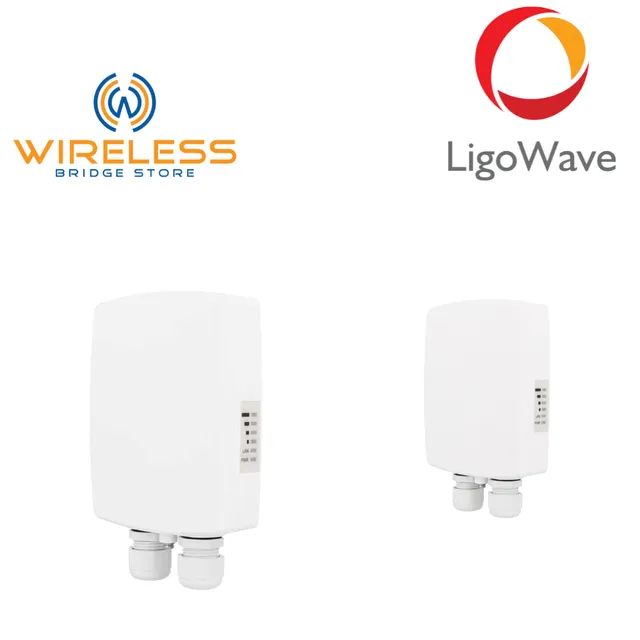
A wireless bridge is two outdoor radios, one at each building, aimed at each other. The one at the house plugs into your Starlink router. The one at the far building plugs into a switch, an access point or a single device. To your network it looks like one long Ethernet cable through the air, so the far building is simply part of your home network.
Because the radios are directional, they can go much farther than Wi-Fi. We have two kits for this:
- LigoWave LV-5-15AC (5 GHz): rated up to 3 miles with a clear line of sight, at 500+ Mbps, which is more than Starlink delivers. Pick this one if you want the full Starlink speed at the far building.
- Ubiquiti NanoStation M2 (2.4 GHz): the budget kit. Rated up to 8 miles with a clear line of sight, at up to 150 Mbps. That is plenty for email, streaming and cameras in a shop, though it won't carry every bit of a fast Starlink connection.
Both kits have a second Ethernet port on each radio that powers a camera or other PoE device, so one cable up the pole can run both.
- Good fit: anything from a few hundred feet to a few miles, as long as the two radios can see each other.
- Poor fit: a solid wall of trees or a hill between the buildings, with no way to mount above it.
Our kits come preconfigured. Each pair is set up in bridge mode with its own random network name and password, so there is no software to learn and no conflict with a neighbor's link. Mount them, point them at each other, plug them in.
How to choose in one minute
- Under about 300 feet and easy digging? A buried cable is hard to beat.
- Same yard, wood building, clear window? Try mesh first.
- Farther, metal building, or no way to trench? A wireless bridge.
Not sure the radios can see each other? Our free wireless link calculator takes the distance and mount heights and tells you whether the link will be solid, and which kit reaches. It checks the thing most people miss: the signal needs a clear zone around the straight line between the radios, not just a clear sight line, so trees near the path matter.
Connecting more than one building, or have a site that doesn't fit the usual setups? Send us a note with the distances and what's in the way, and we will tell you what will work.
–Dennis